
 Video coming soon
Daniel AI Tutorials
Watch Daniel work, one task at a time
12 lessons across five areas: voice and languages, quotes, jobs and invoices, site updates and materials, plans and the Smart Project Planner, and reminders. Daniel's walkthrough videos are being recorded now, so each lesson starts playing here the moment its video lands.
Who Daniel is
Daniel AI—your office team, in your pocket.
Daniel works from your company's own information: your jobs, customers, prices, team and plans. Talk or type in your own language, and he prepares the paperwork in English.
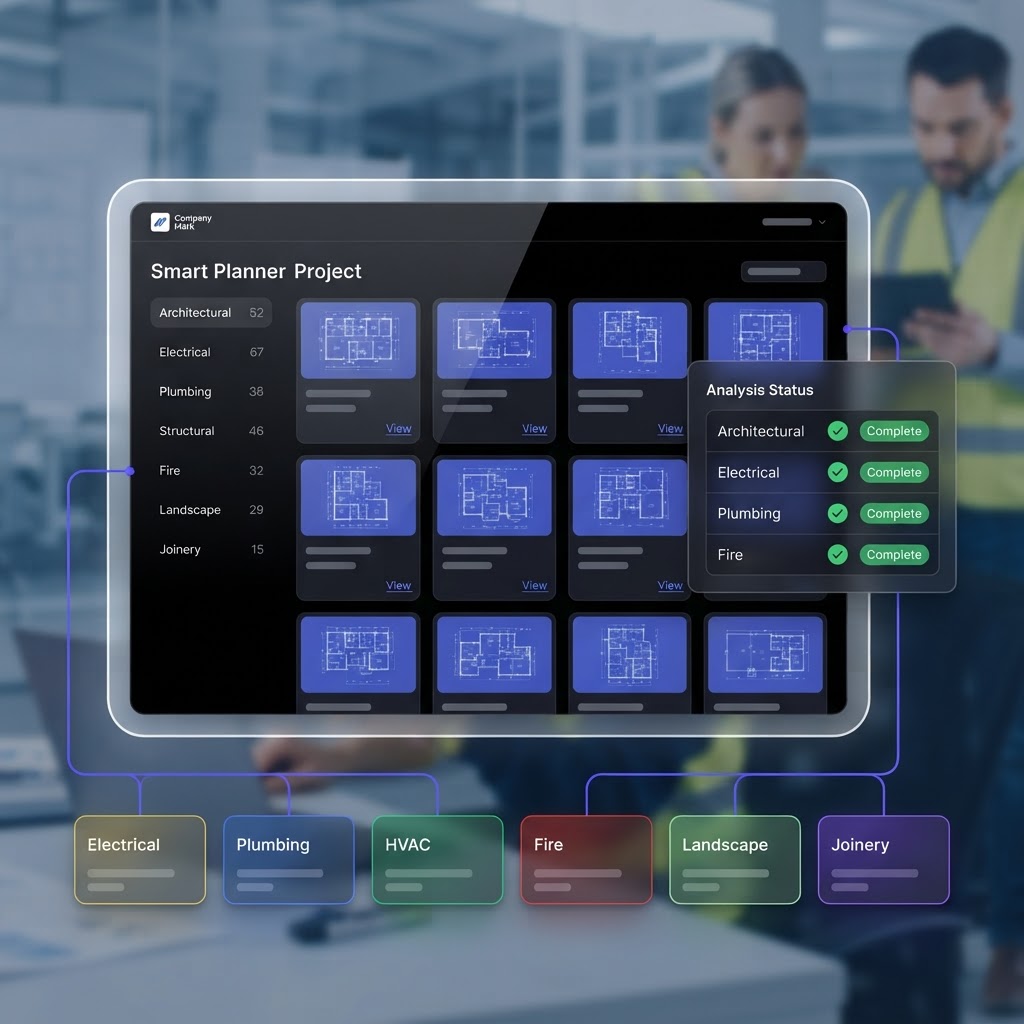
He is connected to the Smart Project Planner, so he can read the analysed drawings and find project details before you quote from them. The lessons below show each of those jobs being done.
Read more about Daniel AI
Daniel's introduction video plays here, with its play button, as soon as it is published in Demo Manager.
Daniel's walkthroughs are being recorded. A lesson shows “Video coming soon” and no play button until its walkthrough is uploaded — then it plays right here, on the same lesson.
Voice, typing and languages
Talk on site or type at the desk, in the language you think in. Daniel answers in it, then prepares the paperwork in English.
Video coming soon Video coming soon
 Video coming soon
Quotes, jobs and invoices
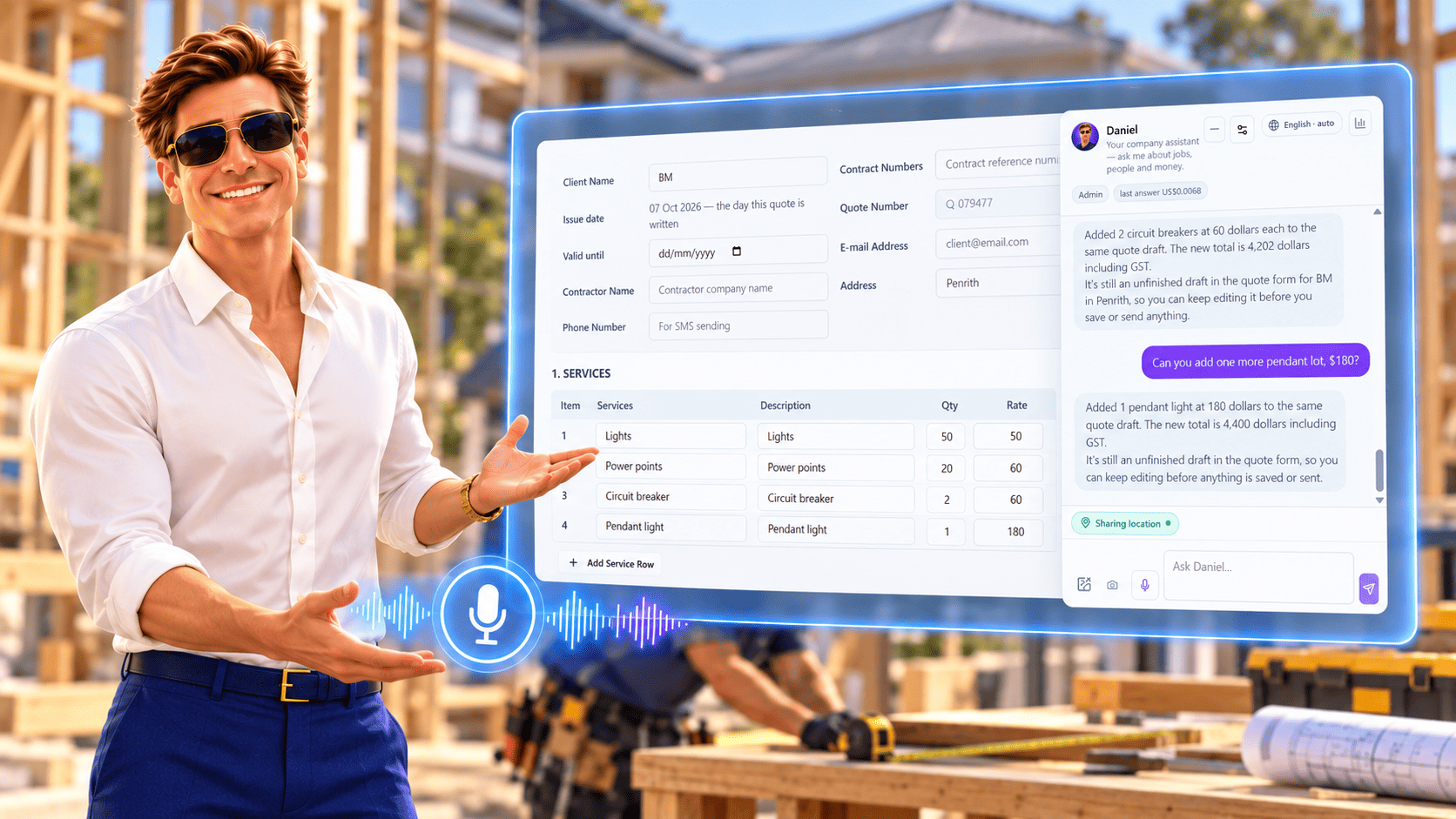
A conversation becomes the real form — items, quantities, rates and totals — checked by you before anything is saved.
 Video coming soon
 Video coming soon
Site updates, materials and visits
Progress notes, what to bring and the bookings — said out loud and written onto the right job.
 Video coming soon
 Video coming soon
 Video coming soon
Plans and Smart Project Planner
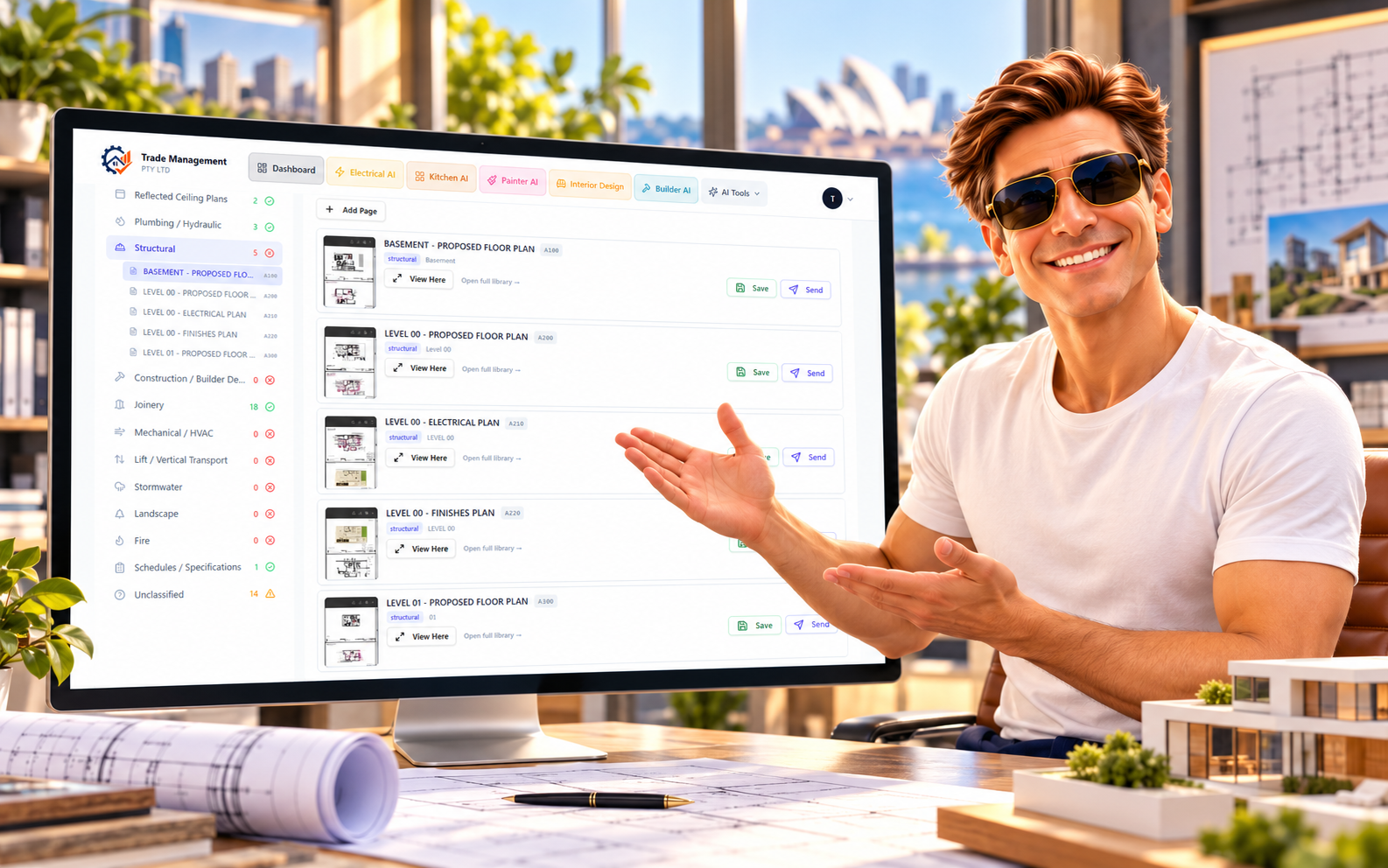
Daniel is connected to the Smart Project Planner, so he can read the analysed drawings and answer from the project itself.
 Video coming soon
 Video coming soon
Reminders and alerts
Reminders that reach you wherever you are, and the hours, wages and alerts behind them.
 Video coming soon
 Video coming soon
Looking for the rest of the app?
Quotes, jobs, scheduling, timesheets, invoices, expenses, payslips and each of the AI planners have their own tutorials on the demo page, alongside the written documentation.
Hand the paperwork to Daniel
Ask in your own language, review it in English, and keep working while the records look after themselves.